
QR Ordering
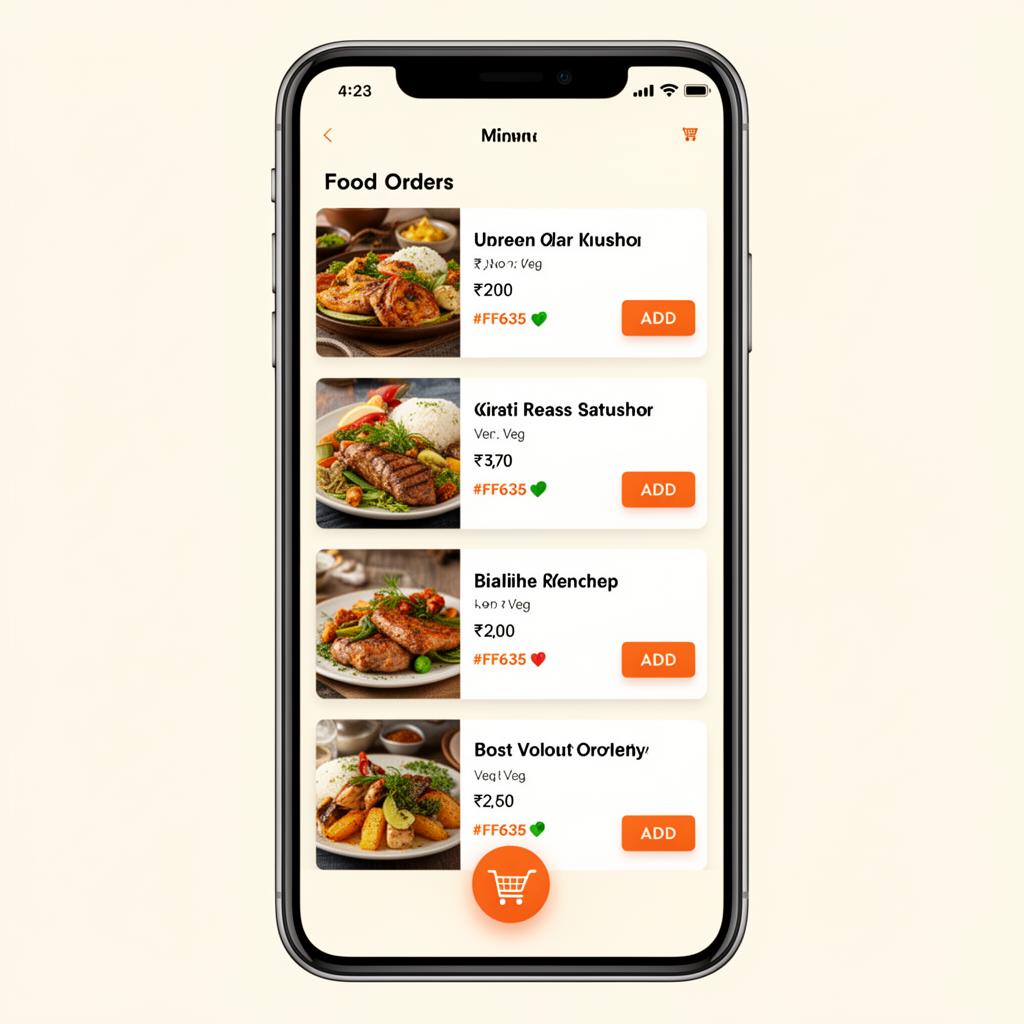
Guests scan the table QR, browse and order without downloading anything.
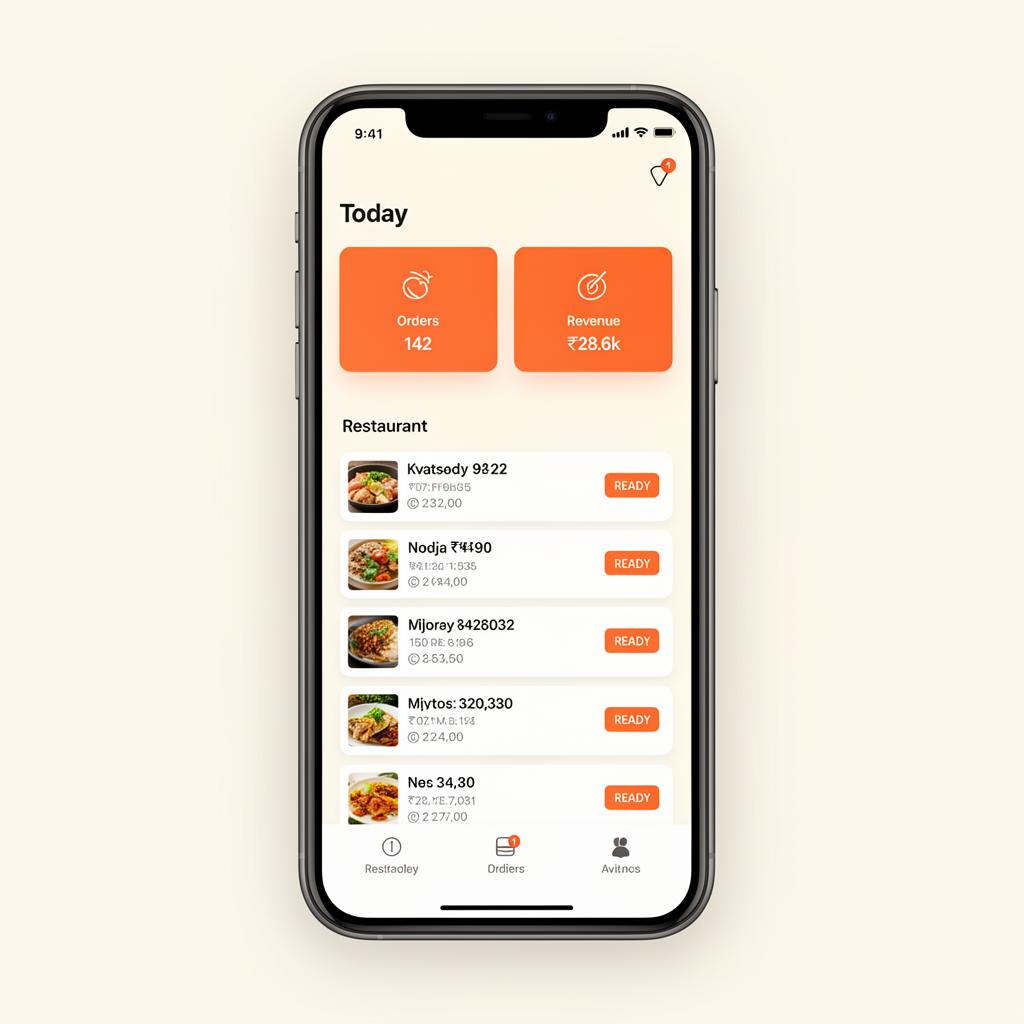
DINEZAP runs your entire floor from one mobile-first platform — QR ordering, waiter handhelds, kitchen display, bill desk and live inventory, across every branch you operate.
Each module can be enabled per business by the DINEZAP team, so you only pay for what you actually run.
Guests scan the table QR, browse and order without downloading anything.
Categories, variants, add-ons, photos, sold-out toggles and PDF menus.
Take orders on any phone, add notes, fire to kitchen, request the bill.
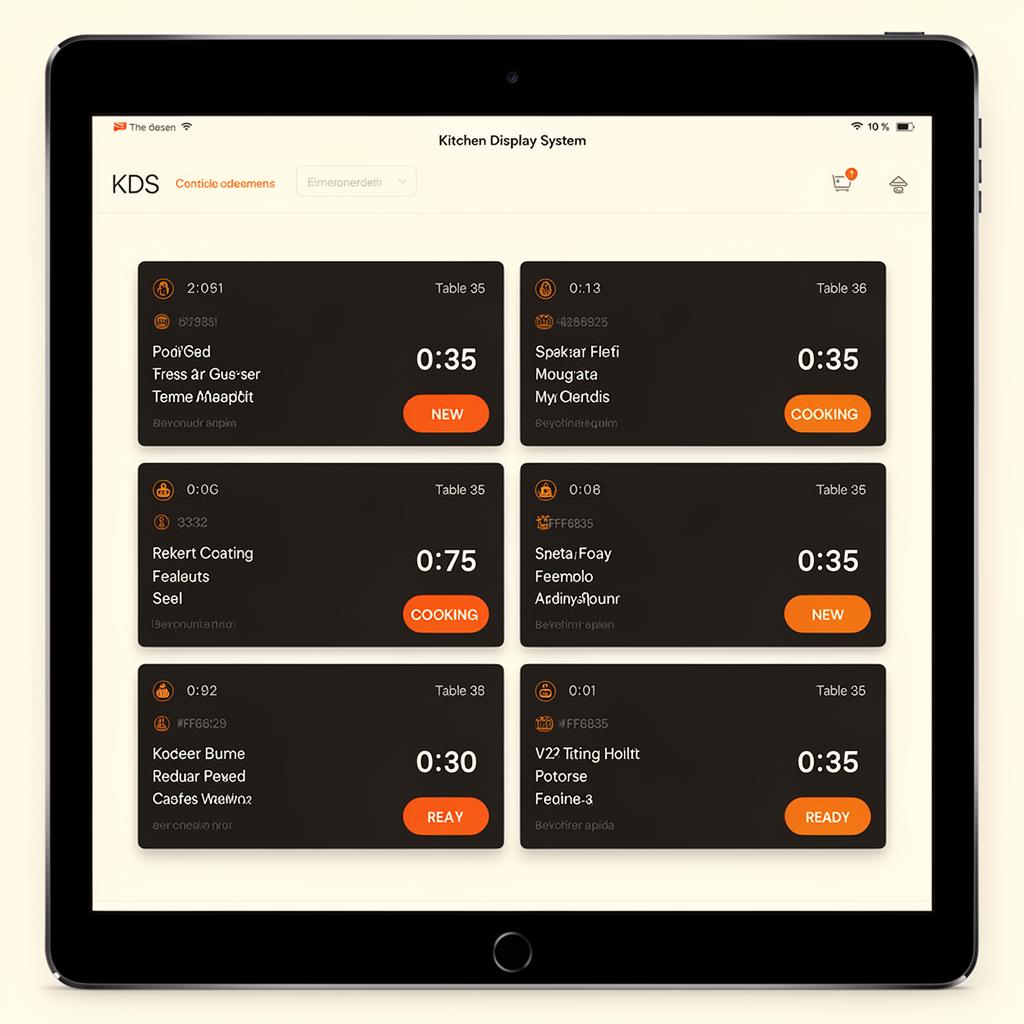
Tablet-first KDS with prep timers, accept, ready and delay actions.
Discounts, tips, taxes, service charge, cash / UPI / card and printable invoices.
Stock in, stock out, wastage, adjustments and low-stock alerts with full history.
Tables, capacity, waiter assignment, live status and secure QR tokens.
Daily sales, item sales, payment mix, staff performance and stock reports.
DINEZAP sets up your business account and your main admin login.
Import categories, items, variants, add-ons and your floor layout.
Every table gets a unique secure QR you can print or download.
Guests scan, browse your branded menu and place the order themselves.
Tickets land on the KDS instantly with notes and prep timers.
Cashier applies discounts and tips, takes payment and closes the table.
The same account works on mobile, tablet and desktop — install it from the browser, no app store needed.
Share your outlet details and we will set up a guided walkthrough with a sample of your menu and tables.